
Disclosure: This article contains Amazon affiliate links. As an Amazon Associate, Clean Water Pools may earn from qualifying purchases.
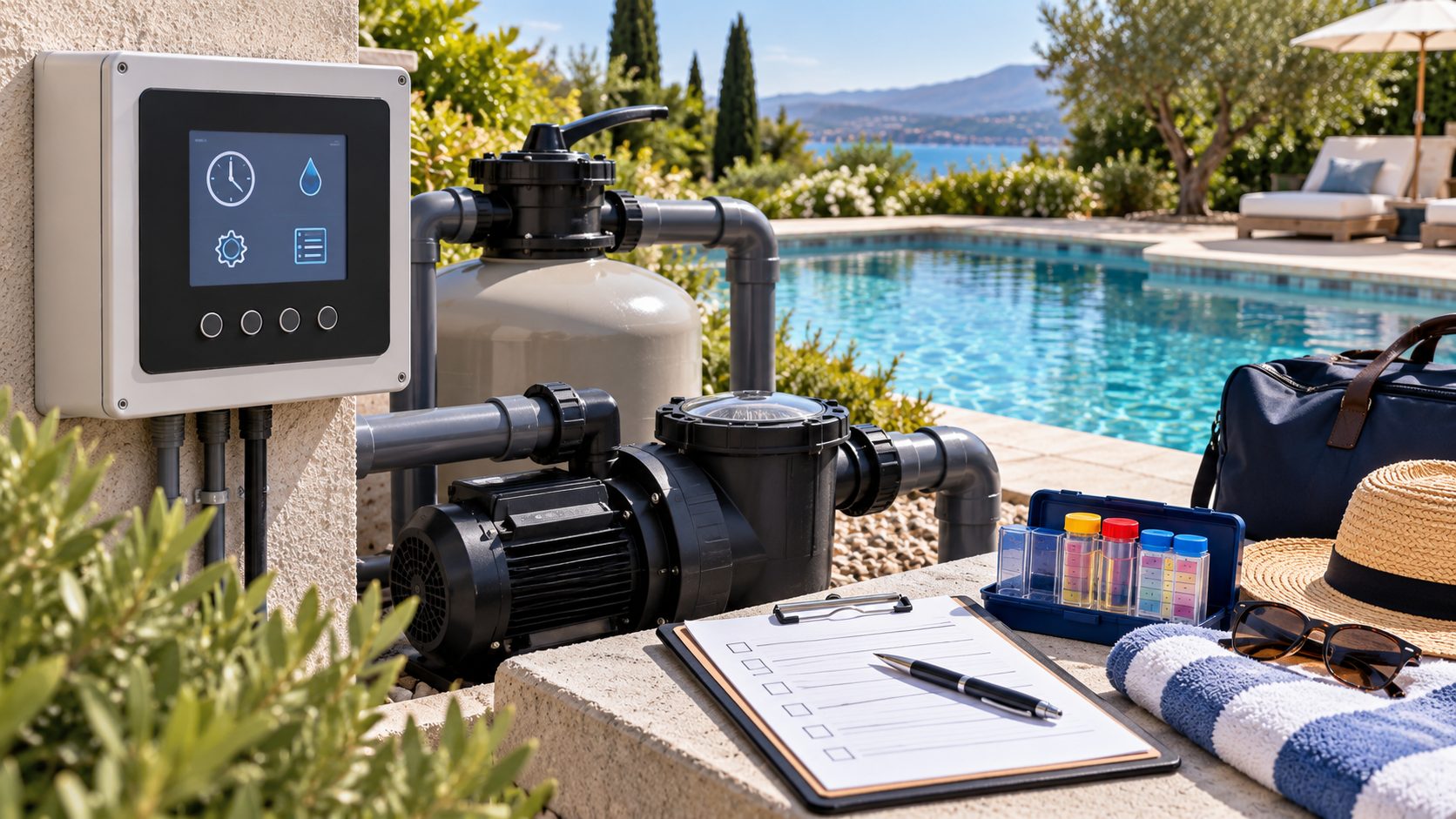
Pool automation makes vacation prep easier, but it can also hide a bad setting until nobody is home to notice. Before you leave town, spend half an hour proving that the schedule still matches the pool, the equipment, and the person who may check on things while you’re gone.
The point is not to build a complicated remote-control system the night before a trip. It’s to verify the boring basics: clock time, pump blocks, cleaner windows, sanitizer feed, alerts, water level, and service access. If those are clean, your pool sitter or service tech has a much better chance of catching a small issue before it turns into green water.
Calculate the chemistry change before you add more
Pool problems get expensive when you guess. Use Pool Chemical Calculator to dose acid, chlorine, alkalinity increaser, stabilizer, calcium, and other adjustments from your actual pool volume and test results.
Download the Pool Chemical Calculator app
Use the pool calculator website
Run the schedule while you are still home
Do the review at least two days before you leave, not while the suitcase is already by the door. Let the normal automation schedule run and watch the pool like you’re troubleshooting it for a neighbor. Confirm the pump starts at the expected time, moves water through the skimmers, and shuts down when it should. If a cleaner, heater, water feature, salt system, or lighting circuit is tied to automation, trigger that mode too.
Pentair’s IntelliFlo3 support describes manual, timer, and schedule operation, with programs that can activate selected devices and use a chosen speed or flow rate. Hayward’s OmniHub manual uses the same practical language from the controller side: schedules can have start and end times, repeat settings, and speed choices. That’s why the schedule review has to include devices, not only the pump. A pump block that looks fine on screen can still be wrong if the heater needs more flow, the cleaner window overlaps a low-speed block, or the controller clock is off after a power interruption.
Open the app or controller and take screenshots of the schedule. Then compare them with real equipment behavior. Listen for unusual pump noise. Look for low-flow warnings. Check that the skimmer baskets actually collect surface debris during the scheduled run. If the water feature turns on during a time nobody expects, fix that while you’re home.
Check clock, calendar, and overlapping programs
A vacation schedule fails in surprisingly dull ways. The controller can be on the wrong time zone. Daylight saving time can shift a block. A temporary quick-clean timer can overlap with the normal filtration window. A service mode can be left enabled after maintenance. A child can turn off a circuit from the app and forget about it.
Walk through the schedule screen and look for start time, stop time, days of the week, speed or flow target, assigned devices, and any countdown timer that might expire after you leave. If the system supports multiple programs, write them down in plain English: “filter pump 8 a.m. to 4 p.m., cleaner 10 a.m. to noon, salt cell during filtration, lights off while away.” You don’t need a perfect spreadsheet. You need something a pool sitter can compare against what they see.
Don’t accept a numeric slug mindset with your pool either: “pump runs” is not enough. You want a descriptive schedule that says what each block is supposed to accomplish. Low-speed filtration, surface skimming, cleaner coverage, heating, and freeze protection are different jobs. If you’re unsure whether a block is still needed, leave it alone until you can observe the result after vacation.
Keep chemical feed boring and documented
Vacation is a bad time to experiment with feeders, pucks, acid tanks, salt output, or automation chemistry settings. CDC pool chemical safety guidance says only trained people should handle pool chemicals and service chlorine, pH-control, and recirculation systems. For a homeowner, the practical version is simple: follow the product label and equipment manual, avoid mixing chemicals, and don’t ask an untrained friend to adjust feeders or chemical pumps.
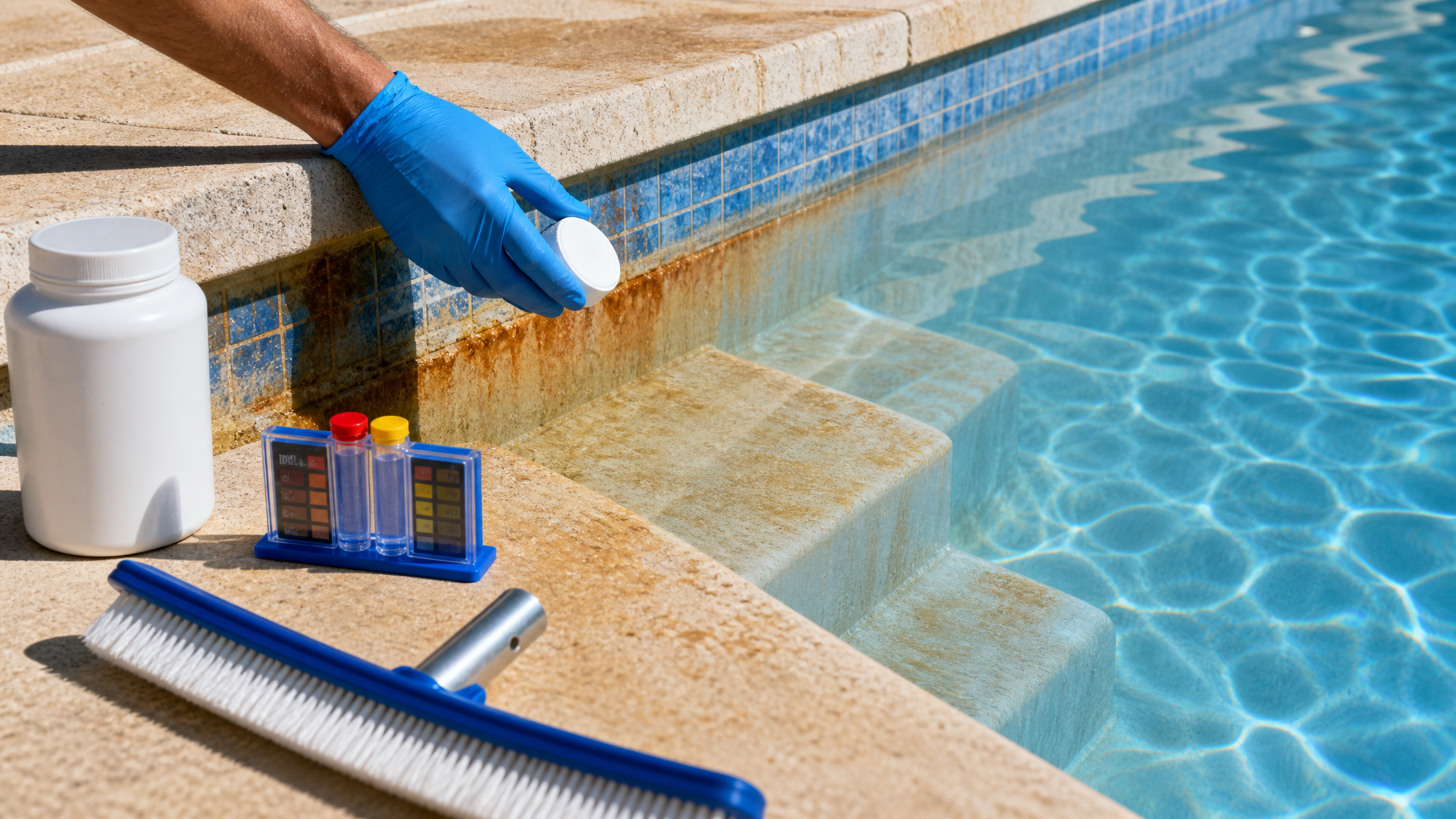
Test the water before you leave. Record free chlorine or sanitizer, pH, alkalinity, stabilizer, and water level. If your system has a salt chlorine generator, confirm it is producing normally and that there are no low-flow or salt warnings. If you use a tablet feeder, check that it is operating as the manufacturer intends and that the lid, o-ring, and plumbing look normal. Do not crank everything up just because you’ll be gone. High sanitizer, low pH, and neglected feeders can create their own problems.
Use the Pool Chemical Calculator website or app before adding anything significant. That keeps the departure checklist anchored to actual pool volume and test results, not vacation anxiety.
Give the pool sitter useful access, not passwords
If someone will check the pool, give them low-risk tasks and clear boundaries. They can look at water clarity, water level, skimmer baskets, pump noise, visible leaks, tripped breakers, and controller alarms. They can send you photos of the equipment pad and water. They should not need your automation password, Amazon account, or the ability to rewrite schedules.
Leave the gate code, equipment-pad location, service company name, and emergency shutoff location in a written note. If the controller has a service mode or outdoor disconnect, label what it is for, but don’t turn your sitter into a technician. If they see an alarm, strong chemical odor, a dry pump basket, a leak, or cloudy water, their job is to stop and call the right person.
One more practical detail: test the communication path. If the automation app depends on Wi-Fi, check that the controller is online from the place where you normally review status. If you rely on alerts, make sure notifications are enabled and that the right phone receives them. Remote monitoring helps only if alerts reach somebody who knows what action to take.
Match the schedule to weather and debris
A pool that is easy in spring can get needy during a hot week, a windy week, or a heavy leaf drop. Before vacation, look at the forecast and the yard. If leaves are already blowing into the pool, add a skimming check to the sitter note. If rain is likely, mark the normal waterline and explain when to call for help. If heat is extreme, verify sanitizer and circulation after a full normal schedule day.
Do not solve every forecast with a bigger pump schedule. A longer run time can help circulation, but clogged baskets, low water level, weak return direction, and poor testing can still beat it. If circulation patterns look uneven, review pool circulation dead spots before assuming automation is the whole problem. If the cleaner depends on pump flow, the guide to suction cleaner flow gauge checks is a good companion before you leave.
Do a five-minute equipment pad review
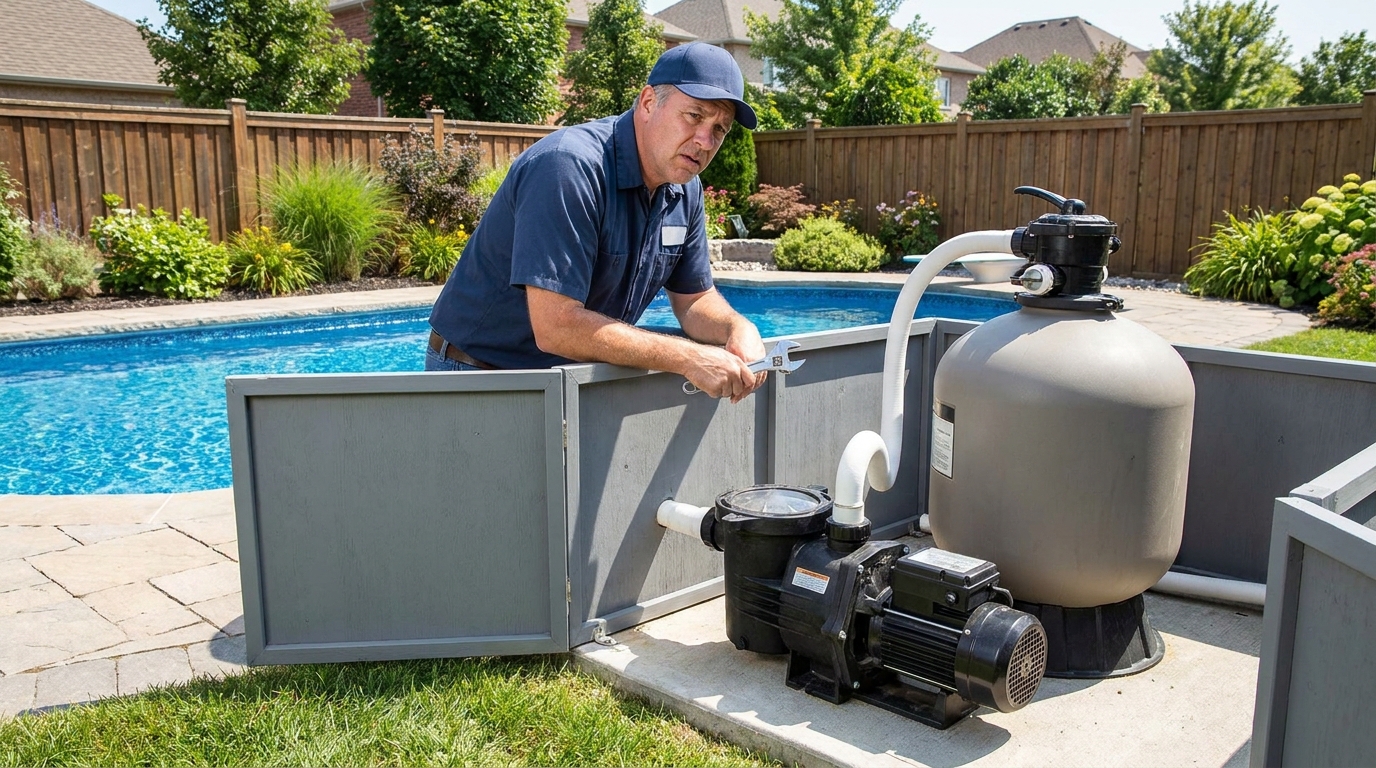
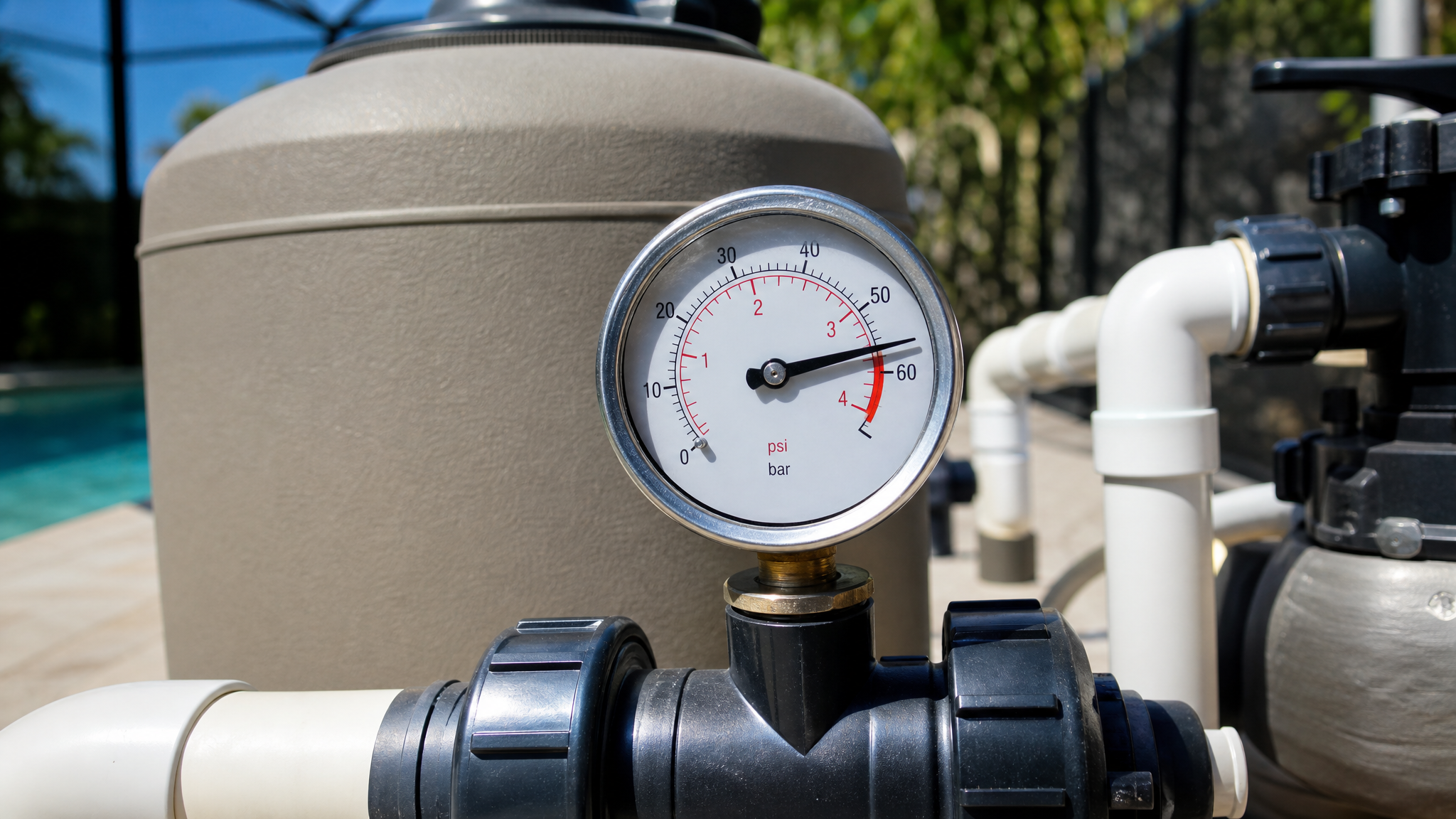
The best automation schedule cannot fix a neglected equipment pad. Empty skimmer and pump baskets. Confirm the pump lid is sealed and the basket stays full when running. Check filter pressure during the scheduled speed you actually use. Look for wet spots under unions, valves, heater connections, chlorinator lids, and filter clamps. Make sure nothing blocks ventilation around heaters, pumps, or control panels.
If you recently cleaned a filter, opened a pump lid, serviced a salt cell, or changed a valve, watch a full scheduled cycle afterward. A small air leak or forgotten valve position can make a vacation schedule look fine on screen while the pool receives weak flow in the real world. If the pump lid o-ring was disturbed, this pool pump lid o-ring troubleshooting guide is worth checking before you lock the gate.
Vacation automation checklist
- Photograph the current automation schedule, pump screen, and equipment pad.
- Confirm controller date, time, time zone, and active days of the week.
- Run filtration, cleaner, sanitizer, heater, and water-feature modes while you’re home.
- Check for low-flow warnings, offline devices, wrong speeds, disabled circuits, and active countdown timers.
- Test water and calculate chemical adjustments from measured results.
- Empty skimmer and pump baskets, then confirm water level is normal.
- Leave sitter instructions for visual checks, photos, gate access, shutoff location, and who to call.
- Do not share automation passwords unless that person is trusted and actually needs account access.
Helpful pool supplies
As an Amazon Associate, Clean Water Pools may earn from qualifying purchases.


Compare pool automation controllers, outdoor timers, test kits, skimmer baskets, and vacation pool prep supplies on Amazon after checking compatibility with your exact equipment and local code requirements.

Clean Water Pools may earn from qualifying Amazon purchases.
Safety and medical note
This article is pool-care information, not electrical, medical, or professional repair advice. It is not medical advice for swimmers with health concerns. Follow the manuals for your exact automation panel, pump, heater, feeder, salt system, and cleaner. Keep people away from open suction fittings, damaged electrical equipment, chemical feeders under service, and equipment that could start by schedule or app while somebody is working on it. Use a qualified pool professional or electrician when a problem involves wiring, gas, bonding, suction safety, leaks inside equipment, or chemical-feed repairs.
Research note
Factual guidance for this checklist was checked against CDC pool chemical safety guidance, Pentair IntelliFlo3 scheduling support, Pentair’s IntelliFlo3 programming instructions, and the official Hayward OmniHub operational manual. I kept programming advice general because controller menus, connected devices, firmware, and local code requirements vary.
FAQ
Should I change my pool automation schedule right before vacation?
Only make small changes you can observe before leaving. If the water is clear and the equipment is behaving, a documented known-good schedule is usually safer than a rushed new setup.
What should a pool sitter check if they are not a technician?
Ask them to check water level, visible clarity, skimmer baskets, obvious leaks, unusual pump noise, power status, and any controller alarms. Photos are useful. Chemical feeder adjustments and electrical troubleshooting should go to a qualified person.
Should I give my automation app password to a friend?
Usually no. Give clear access instructions, service contacts, and photo-check tasks first. Share account access only with someone you trust and who actually needs control of the equipment.
How early should I review the schedule before leaving?
Start at least two days before departure. That gives you time to watch a full cycle, test water after the normal schedule runs, and undo a bad setting before the house is empty.
Bottom line: a vacation-ready automation schedule is boring, verified, and documented. Prove the clock, pump blocks, sanitizer routine, alerts, water level, and sitter instructions before you leave, then avoid last-minute experiments.
For chemistry adjustments before travel, use the Pool Chemical Calculator app or the poolchemicalcalculator.com website from fresh test results.